
Ready by 7:21am Oct 15, 2026
How to Use Google Scholar: A Student Guide (2026)
Google Scholar is a free search engine for academic literature, journal articles, theses, books and conference papers. Use it to find scholarly sources with precise searches, follow citation trails, and locate full-text versions. It is a powerful starting point, but it has limits, so combine it with your library’s databases for thorough research.
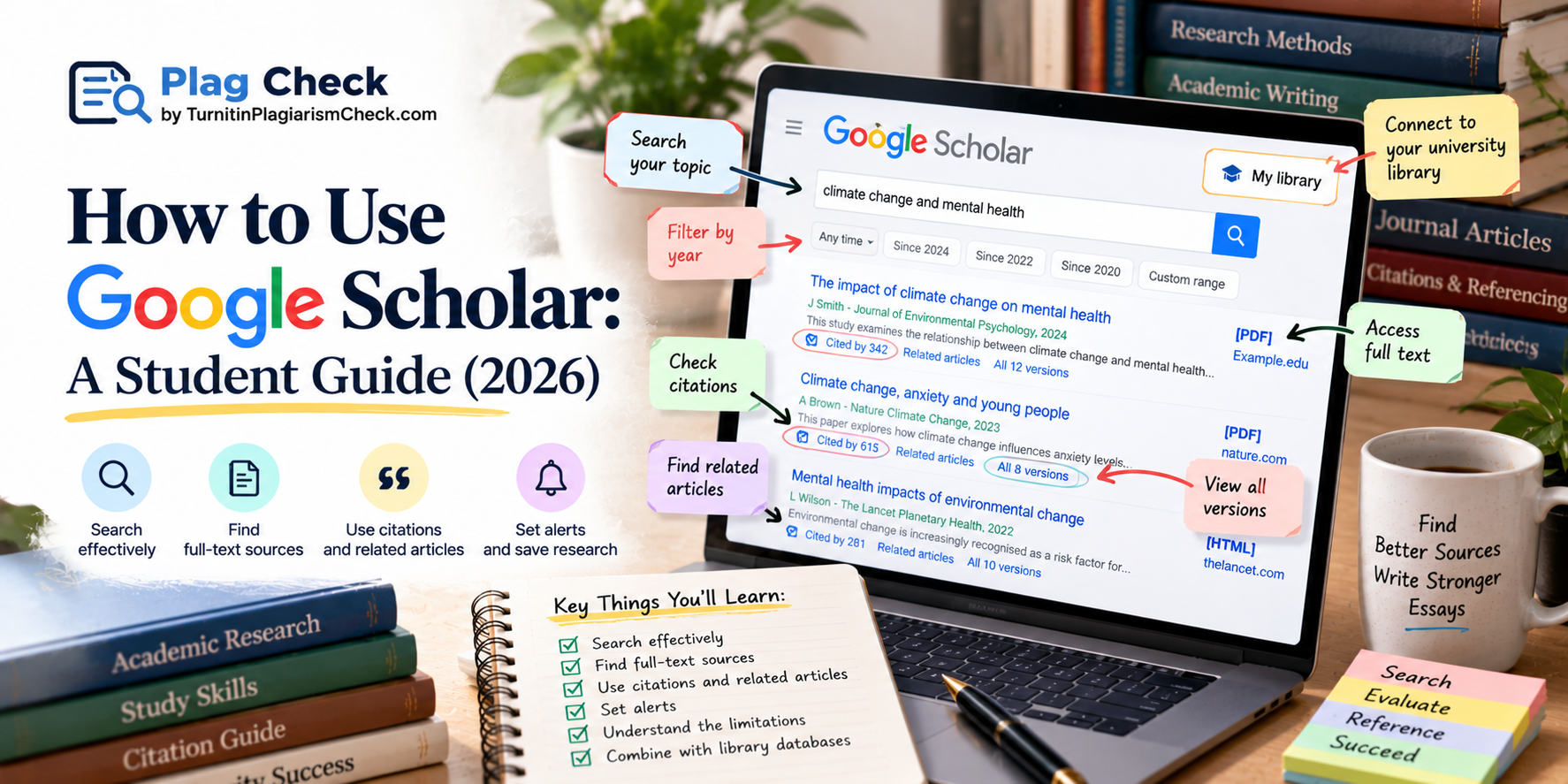
Google Scholar is one of the most useful free research tools available to students, but many use only a fraction of what it can do. Used well, it helps you find scholarly sources quickly, trace how research connects, and locate full-text articles, all of which feed directly into your essays and dissertations. This guide explains how to use Google Scholar effectively, and where its limits lie, so it strengthens your research. The sources you find with it then need to be read critically and referenced properly, which our how to write a literature review guide develops.
What is Google Scholar?
Google Scholar is a free search engine dedicated to scholarly literature. Unlike a general web search, it indexes academic sources, peer-reviewed journal articles, theses and dissertations, academic books, conference papers and preprints, across most disciplines. This means the results are far more likely to be credible, academic sources suitable for citing in your work, rather than the mixed quality of a general web search. It is an excellent starting point for academic research and a tool every student should know how to use, though, as this guide explains, it works best alongside your university library rather than instead of it.
How to search effectively
Effective searching is the key to getting the most from Google Scholar. Start with specific keywords rather than a full question, and refine from there. A few techniques sharpen your results: put a phrase in quotation marks to search for it exactly, use the author search to find work by a specific researcher, and use the date filter on the left to limit results to recent research. If your first search returns too much or too little, adjust your keywords, since the terms you choose largely determine what you find. Precise, well-chosen search terms are what turn a flood of results into the handful of relevant sources you actually need.
How to find full-text sources
One frequent frustration is finding a promising article behind a paywall, but Google Scholar often helps you reach the full text. Look to the right of each result for links, which sometimes lead to a free PDF or an open-access version, and check for an All versions link beneath a result, which can surface a freely available copy hosted elsewhere. Most importantly, connect Google Scholar to your university library in the settings, so that results show a link to full-text versions your institution subscribes to. This library link is the single most valuable setting for a student, since it unlocks paid articles you are entitled to access through your university.
Using citations and citation counts
Google Scholar’s citation features are among its most powerful for research. Beneath each result, the Cited by link shows how many later papers have cited that work, and clicking it lets you follow the research forward in time to newer studies that built on it. The citation count also gives a rough sense of a paper’s influence, though it should be read with care, since older papers naturally accumulate more citations. Following citation trails, both backwards through a paper’s references and forwards through the papers that cite it, is one of the best ways to map the research around your topic and find the key studies in a field.
Using related articles and alerts
Two further features help you research efficiently. The Related articles link beneath each result finds other papers on similar topics, which is a quick way to discover sources you would not have found through keywords alone. And if you are researching a topic over time, you can set up alerts to be notified when new papers matching your search are published, which is useful for a dissertation or a long project. The cite button also generates a ready-made citation in several styles, though you should always check it against your required style, as our how to cite sources guide explains, since automatic citations often contain small errors.
The limits of Google Scholar
For all its strengths, Google Scholar has real limits you should know. It does not index everything, so it can miss sources held in specialist databases your library subscribes to. It provides less advanced filtering than dedicated academic databases, which offer more precise subject and methodology filters. And it does not judge quality for you, so it can return predatory or low-quality journals alongside reputable ones, which means you still have to evaluate each source’s credibility yourself. Because of these limits, Google Scholar is best treated as a powerful starting point rather than your only research tool, to be combined with your library’s databases for thorough work.
How to combine Google Scholar with library databases
The best research strategy uses Google Scholar and your library’s databases together, since each covers the other’s gaps. Use Google Scholar for its breadth and its excellent citation-tracking, to get a quick overview of a field and find key papers, then use your library’s subject databases for their depth, precise filtering, and access to specialist sources Google Scholar may miss. Your library also guarantees access to the paid full texts you are entitled to. Treating Google Scholar as the fast, broad tool and your library databases as the precise, comprehensive ones gives you the strengths of both, which is what thorough academic research requires.
Used with these habits, Google Scholar becomes one of the most efficient tools in your research kit rather than just another search box. Connect it to your library, search precisely, follow the citation trails, and judge every source you find, and it will lead you to strong, relevant, credible material far faster than a general web search ever could. Treat it as the fast, broad starting point of your research, and let your library databases and your own critical reading do the rest, and your essays and dissertations will be better sourced and better argued as a result.
Evaluating the sources you find
Whatever you find through Google Scholar, you still need to judge whether it is worth using, because the tool finds sources but does not vet them for you. For each promising result, consider who wrote it and their expertise, where it was published and whether it was peer-reviewed, how recent it is, and whether its claims are well supported. Peer-reviewed journal articles from reputable publishers are generally strong; anything from an unfamiliar or predatory journal deserves caution. Reading each source critically, rather than accepting it because it appeared in the results, is what turns a good search tool into good research, and it feeds directly into a stronger, better-evidenced piece of work.
Popular posts
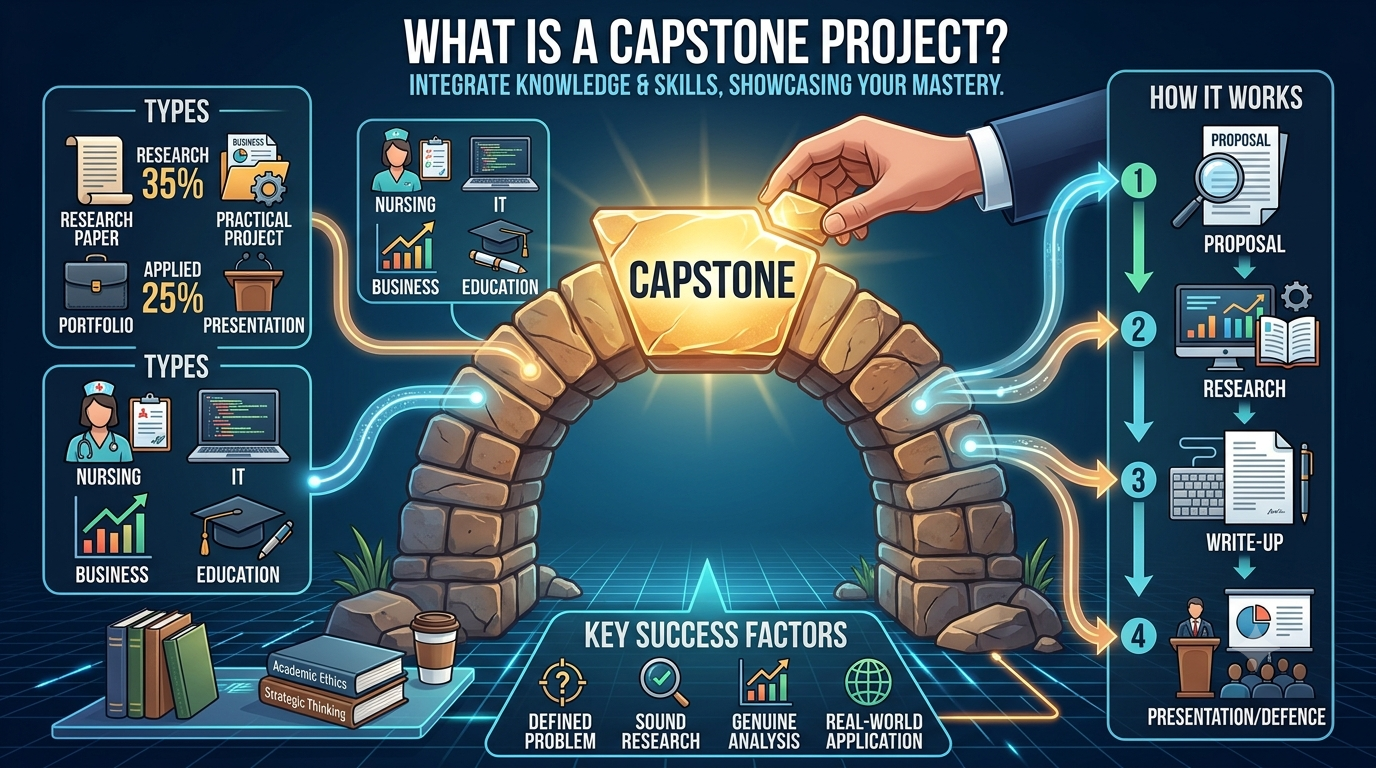
What Is a Capstone Project? Types and Examples
June 24, 2026

Dissertation Topics 2026: How to Choose the Best Topic + 150 Ideas
February 21, 2026
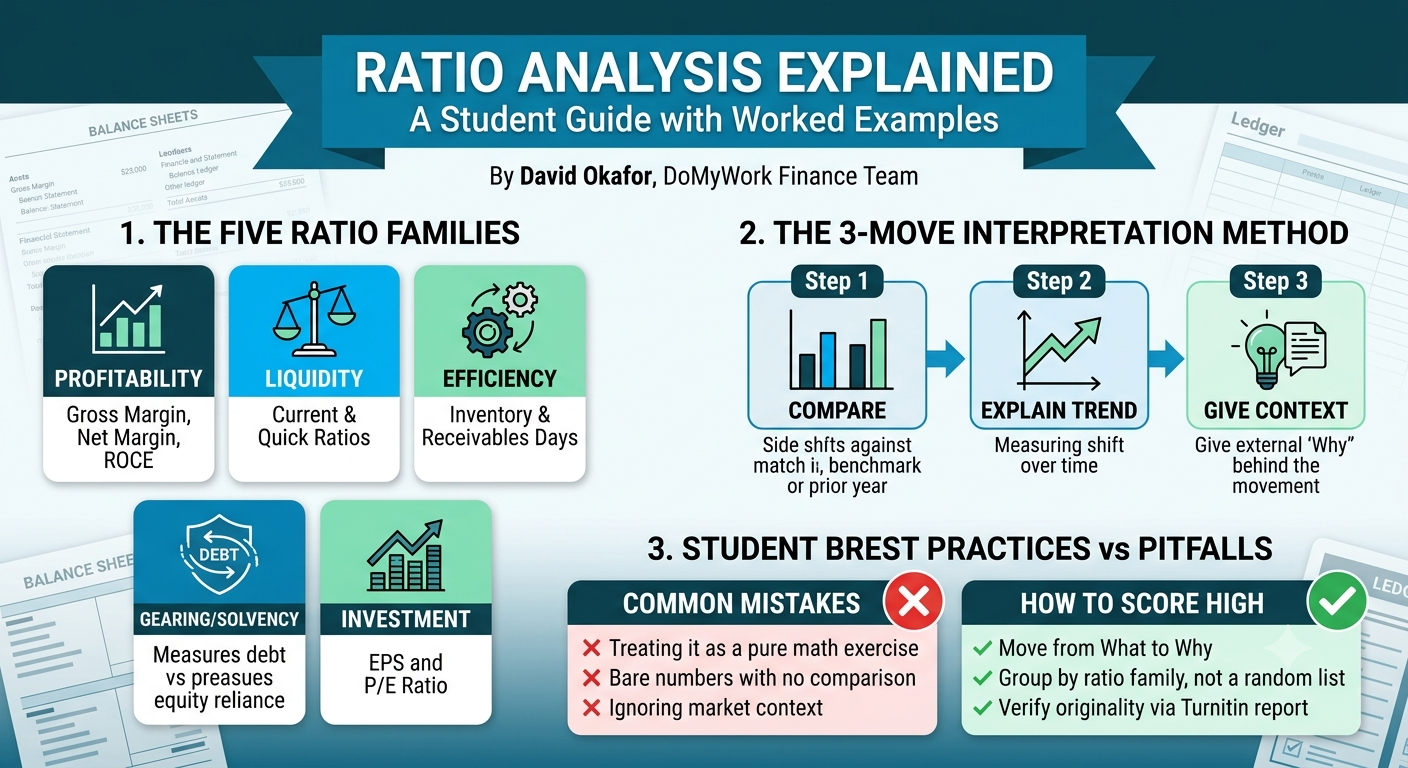
Ratio Analysis Explained: A Student Guide With Worked Examples
July 14, 2026
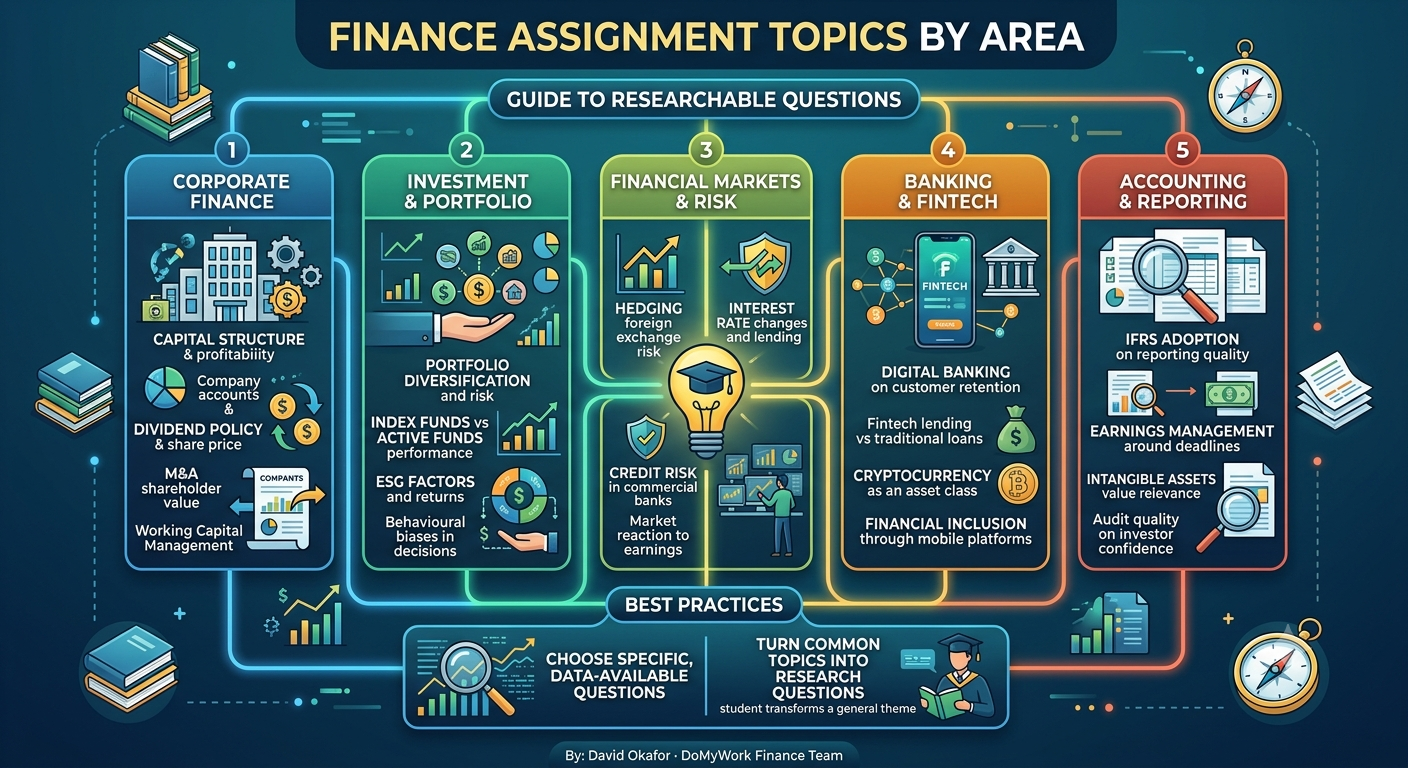
120+ Finance Dissertation and Assignment Topics for 2026
July 15, 2026
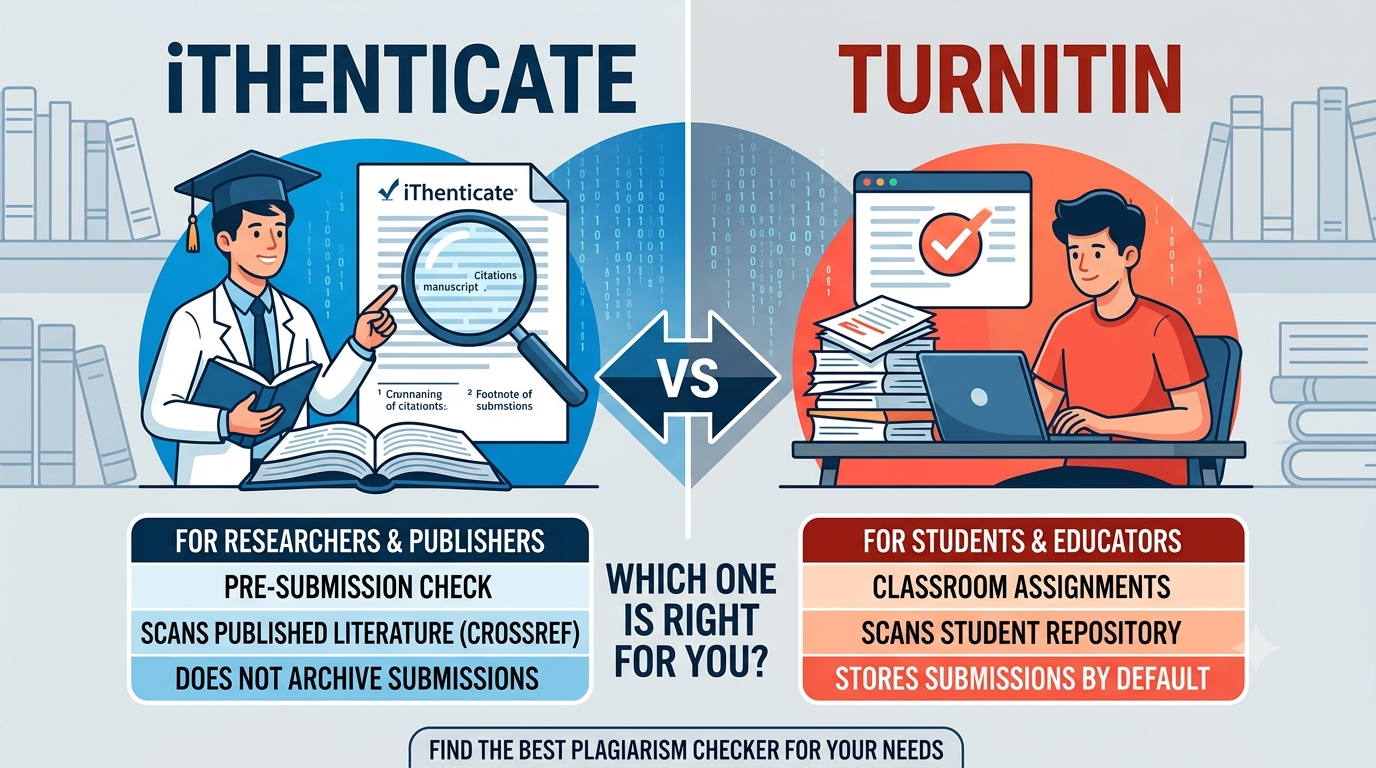
iThenticate vs Turnitin: What Is the Difference?
July 18, 2026

Want more tips & great deals? Get them sent to your inbox
Please enter a valid E-mail
By clicking "Subscribe" you agree to be contacted via e-mail. You can always unsubscribe from the newsletter


